Leave This on the Counter: The Houseguest Cheat Sheet That Translates Your Smart Home Into English
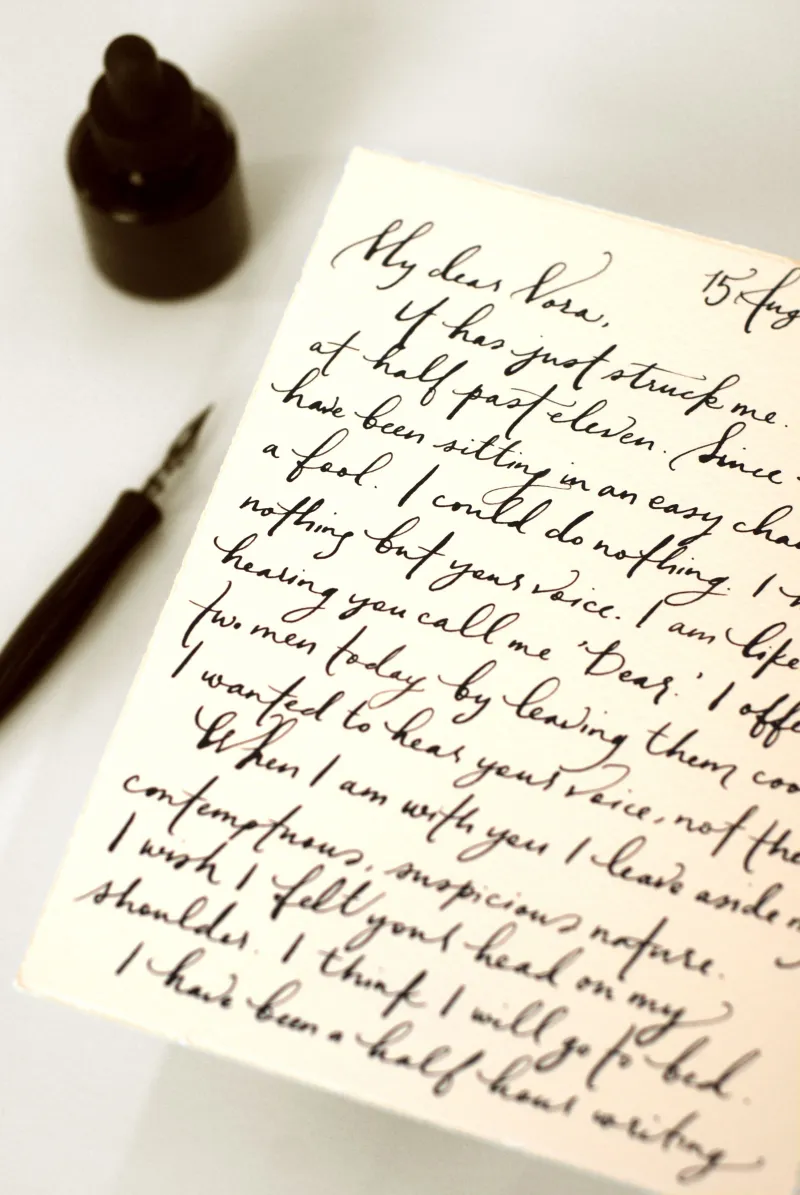
Photo: handwritten cheat sheet note on kitchen counter smart home, via i.pinimg.com
Every smart home has a moment it's not proud of. Ours was watching a dinner guest stand in the hallway for a full ninety seconds, phone out, trying to guess our Wi-Fi password before quietly giving up and using the light over the stove like a caveman.
It was fine! Nobody died. But it got us thinking: if your house needs a tutorial, the tutorial shouldn't live in your head. It should live on a piece of paper, on the counter, where normal humans can find it.
So we built one. Print it, fill in the blanks, tape it inside a cabinet door. Your guests will thank you, and your voice assistant will stop getting yelled at by strangers.
Why Guests Get Stuck (It's Not Their Fault)
Here's the thing about living with automation: after a few months, you forget what's a button, what's a voice command, and what's just... a switch. You've absorbed the vocabulary. Your cousin visiting from Cleveland has not.
To her, your home is a series of traps. The bathroom light has no switch she can find. The thermostat looks like a tablet. Saying "lights on" out loud feels like performing, so she does it in a whisper, which — fun fact — voice assistants love to mishear. "Alexa, turn on the lights" at a polite murmur becomes a search for "Avaya turn on the fights." Nobody wins.
The fix isn't better hardware. It's better documentation. Specifically, the kind a tired guest can read in under a minute.
The Cheat Sheet (Copy, Print, Fill In)
Here's the template. Customize the bracketed parts to match your actual setup — and be honest about your quirks.
WELCOME TO [YOUR NAME]'S HOUSE — THE SHORT VERSION
The Wi-Fi: Network: [name] · Password: [password, written out clearly]
Lights, the normal way: Most rooms have real switches. The living room and bedroom are the exceptions — say "[your trigger phrase], lights on" or press the white paddle by the door. No app needed.
The TV: The small black remote does everything. The big one is for the soundbar only. If the screen freezes, hold the circle button for 10 seconds. Don't unplug anything that looks important.
Temperature: The thermostat on the hallway wall. Up/down arrows. That's it. It won't bite, and yes, you can change it.
Things that are automatic (please ignore them): Porch light, bathroom nightlight, the plug behind the couch. If something blinks or turns itself on, it's supposed to do that.
Things that are NOT automatic: The garage door. It's a real button on a real wall. Use it.
If a voice assistant mishears you: Just say "cancel" and try again. If it gets weird, there's a physical switch in every room. Look up.
Emergency: Breakers are in [location]. Router is [location]. If all else fails, everything here still works like a regular house.
That last line matters more than the rest combined. Guests relax when they know the house has a manual override.
Which Controls Actually Deserve a Label
Not everything needs a Post-it. Label the things guests touch and skip the things they won't:
- Label it: Wi-Fi, the TV setup, thermostat, any light with no visible switch, and the coffee maker if it's on a schedule ("coffee brews at 6:30 — just grab a mug").
- Skip it: Your hub, your server rack, anything with an IP address. Guests don't need to know MQTT exists. Honestly, nobody needs to know that.
- Party mode: If you're hosting, consider a printed "one-liner" card — the three voice commands that matter tonight. "Say 'party time' for music and dimmed lights." One command, one line, done.
A $2 label maker earns its keep here. Write "PORCH," "GARAGE," "DON'T TOUCH" where it counts. Your smart plugs don't need names that only make sense to you.
The Guest Network: Set It Up Once, Never Explain Passwords Again
While you're at it, do the single highest-leverage thing on this list: turn on your router's guest network. It takes about ten minutes on most routers, gives visitors internet without exposing your cameras and door locks, and means you never again have to read a 14-character password off a sticky note at 11 p.m.
Print the guest network info at the top of the cheat sheet. That alone will make you the most considerate host in your zip code.
The Voice Assistant Etiquette Nobody Teaches
A few lines worth adding for the awkward factor:
- It's okay to talk to the assistant. It's also okay to ignore it entirely.
- If it hears something wrong, say "cancel" — don't just walk away mid-command. (Half-commands are how the porch lights ended up disco-flashing during Thanksgiving 2023. We don't discuss it.)
- If your assistant has a wake word, write it down. "The speaker in the kitchen listens for 'Computer'" saves everyone a lot of confused shouting.
The Real Point
A smart home that only works for the person who configured it isn't smart — it's a hobby with a mortgage. The counter cheat sheet is a five-minute project that pays off every single time someone stays over. Print it, tape it up, and let your house explain itself for once.
Your guests will still probably flip the wrong switch. But at least they'll know it was an option.