Splitting Up the Smart Home: A Survival Guide for When Love and Logins End
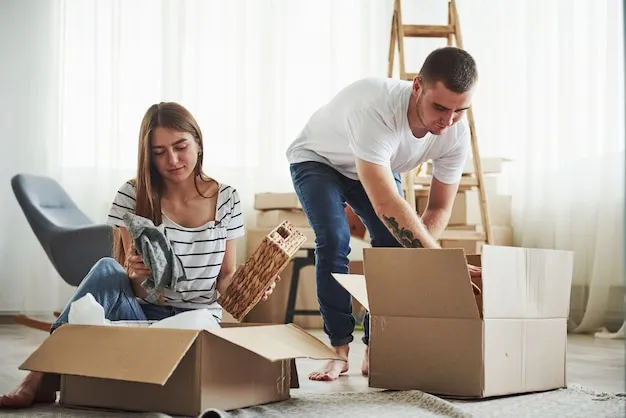
Photo: couple separating boxes moving out apartment, via img.freepik.com
Nobody puts 'who gets the Nest' on the divorce paperwork. But ask anyone who's separated from a partner they built a smart home with, and they'll tell you the digital aftermath can drag on longer than the legal one.
When two people share a Google Home, a ring of cameras, and a front door lock that both their phones can open, the end of the relationship doesn't automatically end the access. Here's what actually happens — and how to handle it like an adult.
The Ex Who Still Controls the Thermostat
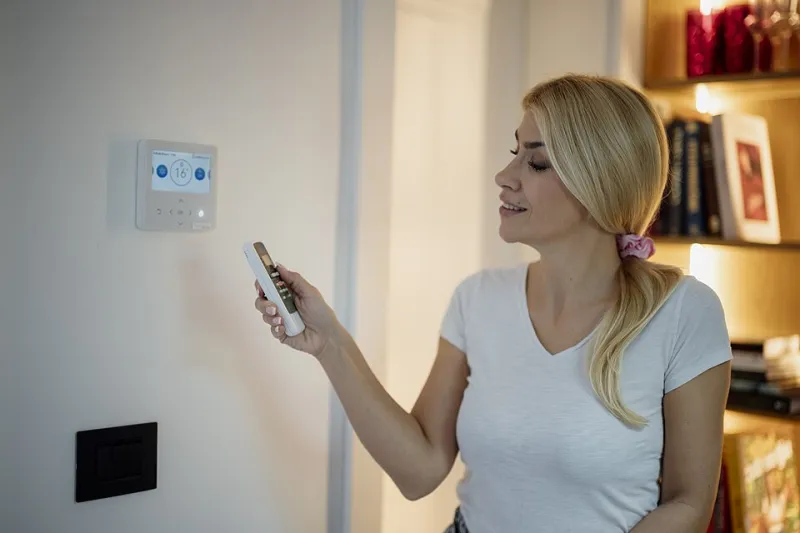
Consider a scenario we've heard more than once: a couple in Ohio splits up. She bought the smart thermostat; he set up the app. He remains the account admin, she's just an invited 'member.' After she moves out, he still gets alerts every time her code opens the smart lock, and she can't remove him because admin rights live on his phone.
This is the messy middle of the connected home. Devices remember logins, not relationships. And unlike a joint bank account, there's no lawyer-mandated process for transferring a Hue account.
The Three Tangled Wires: Accounts, Devices, Automations
When a shared smart home dissolves, three things need separating:
Shared accounts. Streaming services get all the attention, but the stakes are higher with smart home platforms. A shared Google or Amazon account may hold your doorbell history, your camera clips, and your garage door controls. Whoever keeps the house should own the account outright; the other person should delete their profile and revoke app access from every device they take with them.
Shared devices. In community-property states like California and Texas, devices purchased during the marriage are generally split like any other asset — though nobody expects a judge to rule on a robot vacuum. In practice, most couples do fine with a simple rule: whoever keeps the hardware keeps the hardware. But the account attached to it matters more than the plastic. A smart lock left on the seller's app is a security hole, not a keepsake.
Shared automations. This is the part nobody thinks about. 'Goodnight' routines that lock the doors at 10 p.m. 'Arriving home' scenes that turn on the lights. If your ex still has access to your Google Home or SmartThings setup, they can edit — or sabotage — these. One spiteful tap and your porch light flashes at 3 a.m. every night.
The Practical Playbook
If you're the one leaving:
- Remove yourself before you go. Open each smart home app, go to settings, and remove your access or delete your member profile. Screenshot anything you might want later (doorbell footage of your dog, for instance).
- Change codes, not just passwords. Smart locks store PIN codes and fingerprints separately from app logins. Delete any guest codes, and if you're the one staying, reprogram everything.
- Reset anything you take. A factory reset wipes the previous owner's credentials. Do this before gifting or reselling devices — an ex finding their camera feed still streaming is a genuine privacy problem.
If you're the one staying:
- Claim admin. Transfer or recreate the primary account under your name and email. If the platform doesn't support transfers, remove all members, then re-invite only yourself from a fresh account.
- Rotate everything. New Wi-Fi password, new lock codes, new two-factor phone numbers if the account was tied to a shared one.
- Audit the automations. Delete any routine that references the other person's phone location, calendar, or presence detection. Nothing says 'awkward' like a speaker announcing your ex's arrival.
The Automation Prenup
Here's the conversation worth having before moving in together, while you're still choosing couches: who owns the smart home?
Keep it simple. One person holds the master account — ideally whoever pays for the subscription or owns the router. The other gets member access, which can be revoked in seconds. Decide now who keeps which devices if things end, and put shared-device purchases on a simple note, the way roommates do with furniture.
It sounds unromantic. So is discovering your ex can still unlock your front door eight months after the breakup because nobody remembered the Yale lock was linked to their email.
The Takeaway
A smart home is really a stack of accounts wearing a hardware costume. When a relationship ends, treat the technology like you'd treat a joint checking account: close it, split it, or transfer it — deliberately, and in writing if necessary.
And if you're reading this happily coupled? Set aside twenty minutes tonight to check who actually has admin on your devices. Future you, whatever happens, will be grateful.